
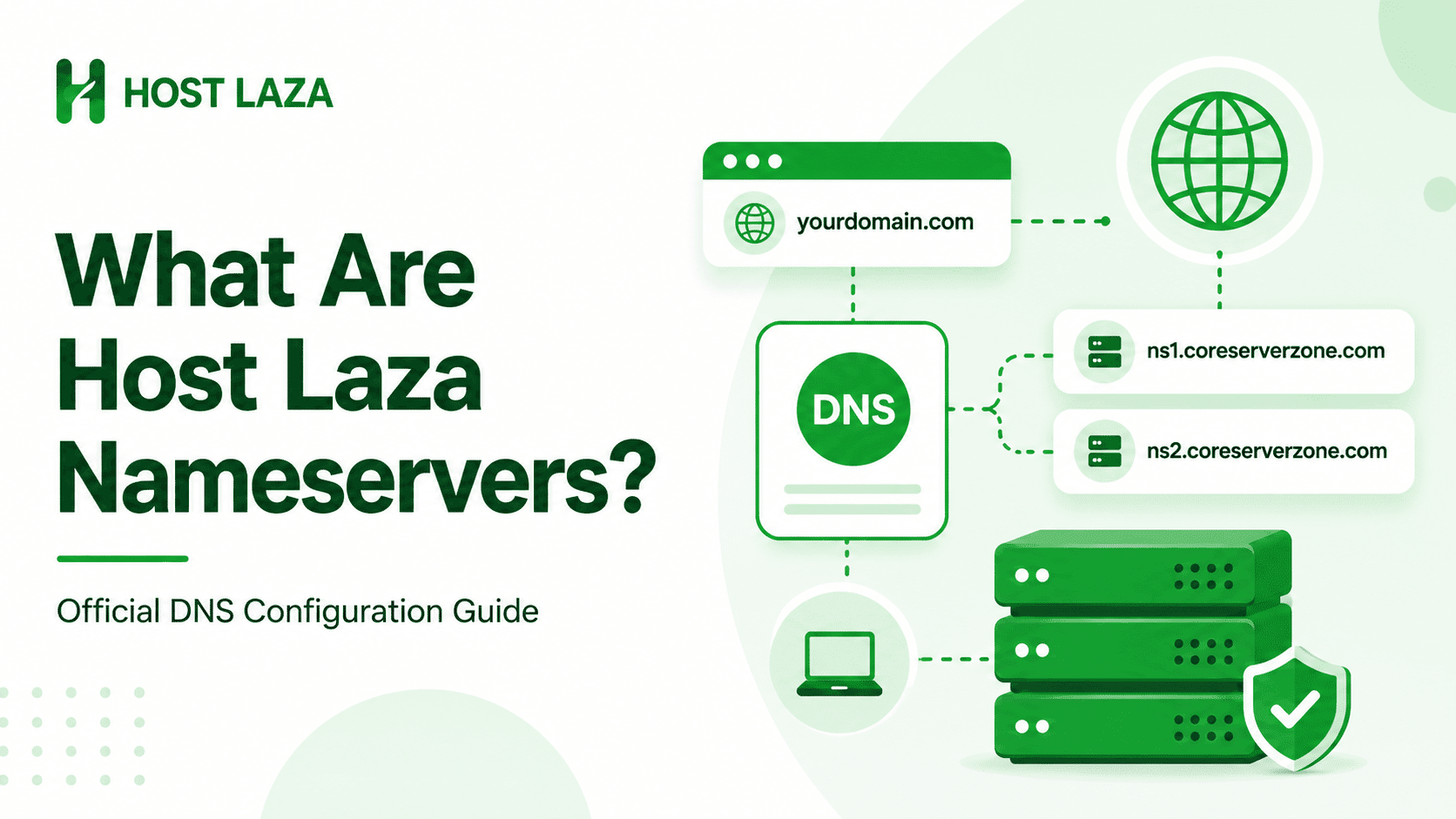
Host Laza nameservers are ns1.coreserverzone.com and ns2.coreserverzone.com. If you have purchased hosting from Host Laza, you can connect your domain name to your hosting account by updating your domain’s nameservers to these values. Once the nameservers are updated, your domain will point to your Host Laza hosting account, allowing your website and email services to work properly.
Host Laza Nameservers
The official Host Laza nameservers are:
Nameserver 1: ns1.coreserverzone.com
Nameserver 2: ns2.coreserverzone.com
These nameservers are used to connect domains with hosting accounts hosted on the Host Laza platform.
What Is a Nameserver?
A nameserver is a server that helps direct internet traffic to the correct web hosting server. When someone types your domain name into a browser, nameservers tell the internet where your website files are stored.
Without the correct nameservers, a domain cannot properly connect to a hosting account.
For example, if you purchase hosting from Host Laza and register your domain elsewhere, you must update your domain’s nameservers so that visitors can access your website through Host Laza’s hosting infrastructure.
When Should You Use Host Laza Nameservers?
You should use Host Laza nameservers when:
- You have purchased a hosting plan from Host Laza.
- You want to connect a domain to your Host Laza hosting account.
- Your domain is registered with another registrar and needs to point to Host Laza hosting.
- You want Host Laza to manage your domain’s DNS records through the hosting account.
How to Point Your Domain to Host Laza
To connect your domain to Host Laza hosting:
Step 1: Log in to Your Domain Registrar
Access the account where your domain name is registered.
Step 2: Open Nameserver Settings
Locate the Nameserver Management or DNS Settings section.
Step 3: Enter Host Laza Nameservers
Replace the existing nameservers with:
ns1.coreserverzone.com
ns2.coreserverzone.com
Step 4: Save Changes
Save your updated nameserver settings.
Step 5: Wait for DNS Propagation
In most cases, DNS changes begin working within a few hours. Full propagation worldwide may take up to 24 to 48 hours.
How Do You Know If the Nameservers Are Working?
After updating your nameservers:
- Your domain should open the website hosted on your Host Laza account.
- Email services associated with your hosting account should begin working.
- DNS lookup tools should display ns1.coreserverzone.com and ns2.coreserverzone.com as the active nameservers.
Frequently Asked Questions
What are the official Host Laza nameservers?
The official Host Laza nameservers are:
ns1.coreserverzone.com
ns2.coreserverzone.com
Do I need to change nameservers after purchasing Host Laza hosting?
Yes. If your domain is registered with another company, you will usually need to update the nameservers so that the domain points to your Host Laza hosting account.
How long does nameserver propagation take?
Most updates start working within a few hours, but complete DNS propagation may take up to 48 hours.
Can I use Host Laza nameservers with any domain registrar?
Yes. You can use these nameservers regardless of where your domain name is registered.